You don't need to call anyone, wait for a demo or get approval from a sales team. Any estate committee member, CDA chairman or even a group of three neighbours sharing a compound can set up BreeUp right now, from a phone or laptop. If your group has up to 3 households and you manage yourselves, it's completely free.
What you'll need
- The name of your estate or group.
- An email address for the admin account (yours).
- About five minutes.
Set up your estate
- Go to the setup page
Open breeup.com and click Set up your estate free, or go straight to breeup.com/onboarding.
- Name your estate
Type your estate or group name. BreeUp suggests a web address like greenview.breeup.com that your residents will use to sign in. Pick one you like, or type your own.
- Choose your colours
Pick a primary and accent colour. You'll see a live preview of how your estate's portal will look. Add your estate's initials for the logo mark.
- Create your admin account
Enter your name, email and a password. This is your Super Admin login: you can add more admins with different permissions later.
- Launch
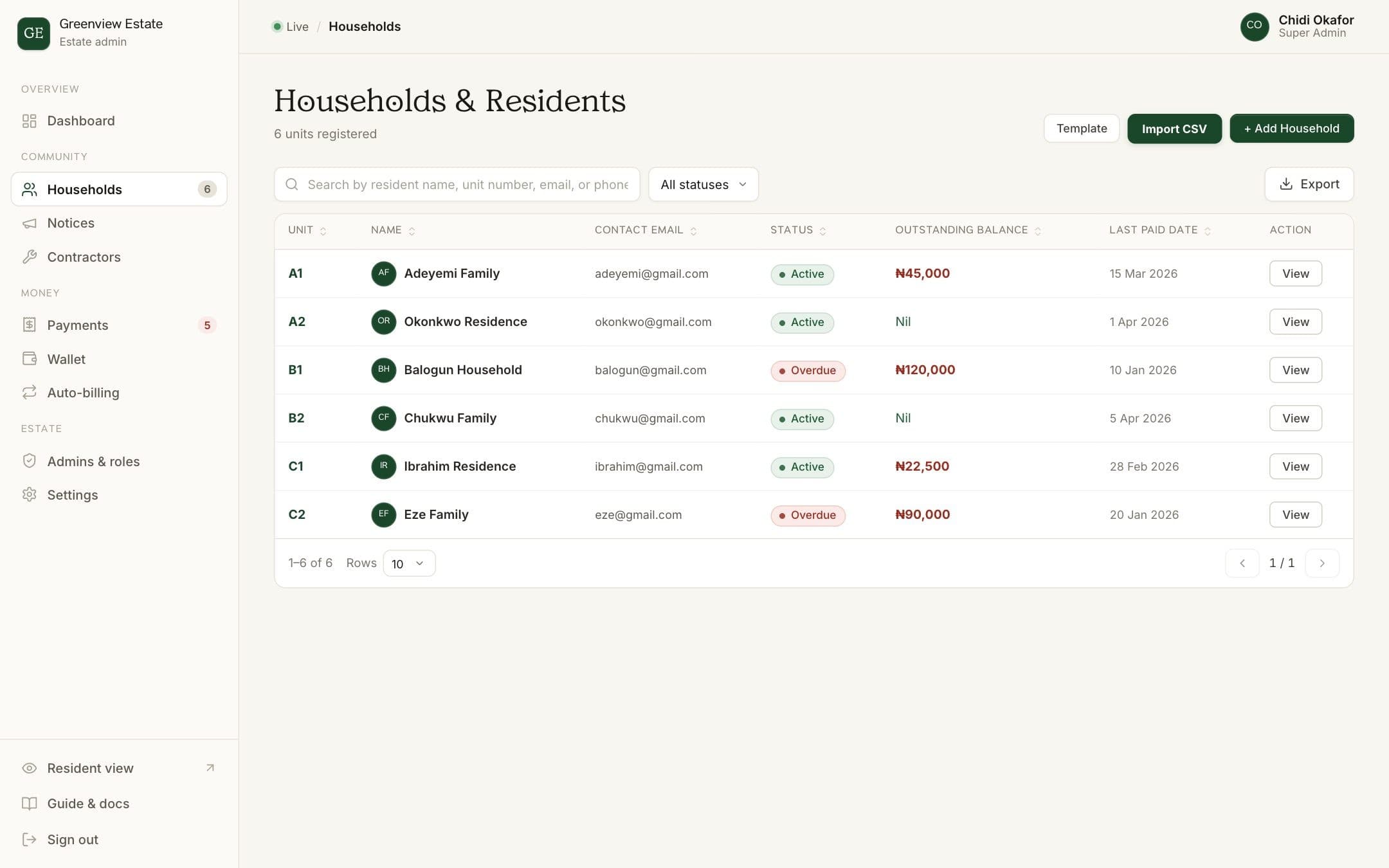
Review your details and click Launch Estate Portal. Your estate is live. You'll land on the Households page, ready to add residents.
Add your residents
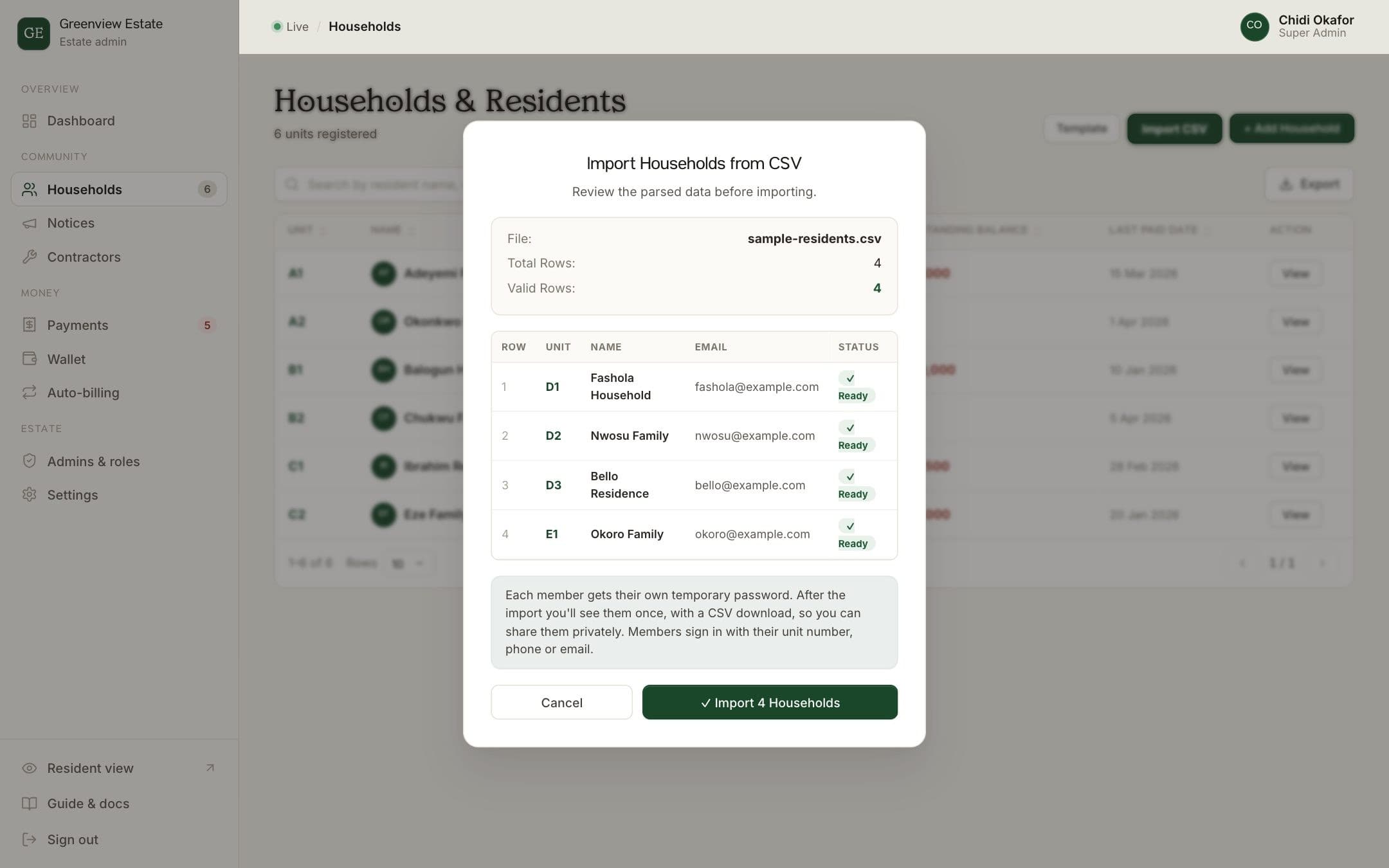
You have two options. For a handful of households, click Add Household and type each unit's details: unit name, resident name, phone number and email. For a longer list, click Import CSV to upload a spreadsheet of everyone at once. Either way, each household gets a temporary 4-digit PIN you share privately so they can sign in.
Start billing
- Set up your yearly service charge
Go to Recurring bills, click New bill, and set up your annual service charge. Most estates institute an annual fee collected upfront at the start of each household's lease or at the beginning of the year, avoiding the constant mess of chasing people twelve times a year.
- Or send a one-off invoice
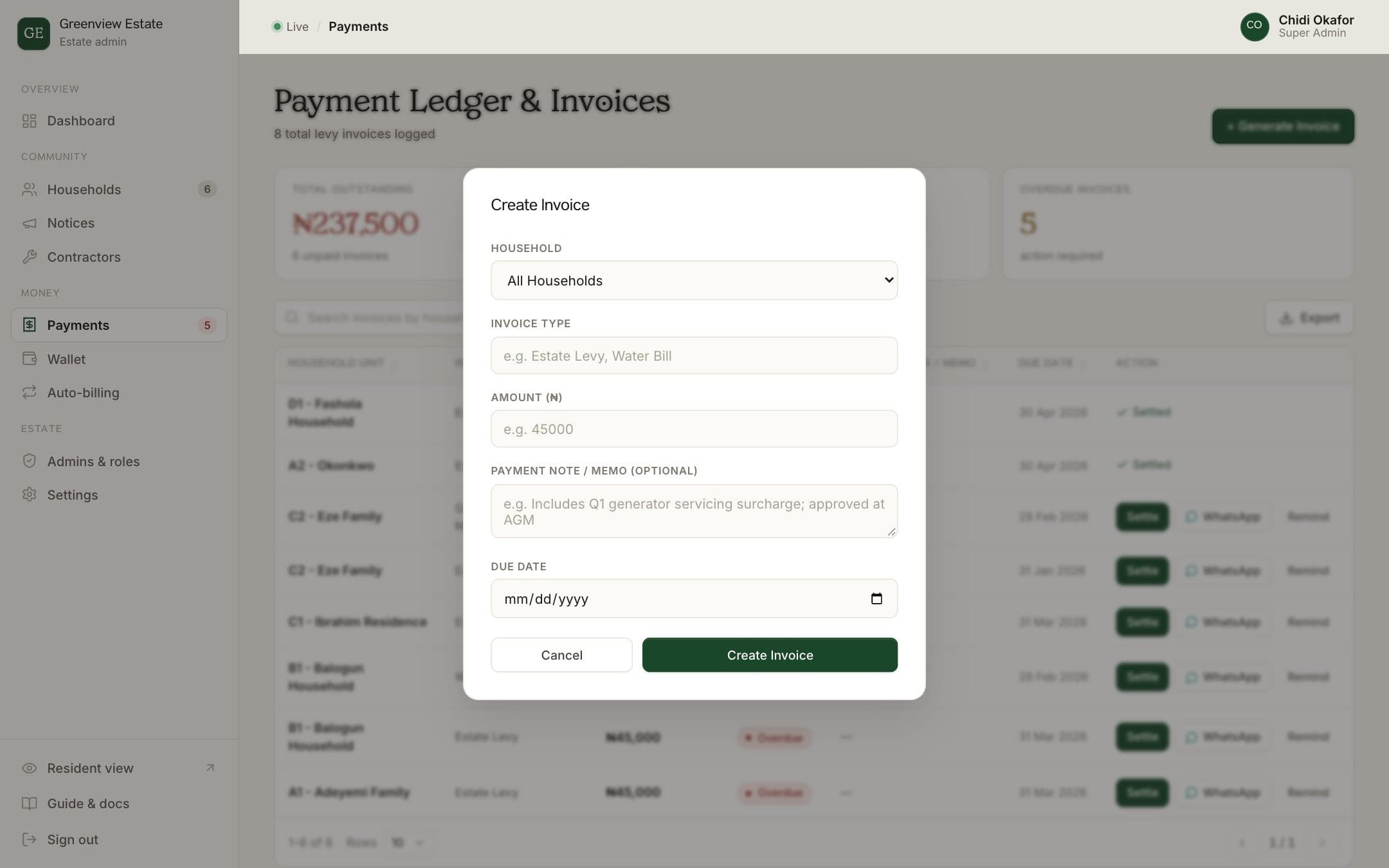
Go to Payments, click Generate Invoice, choose all households or one, and enter the amount and due date. The bill appears in every resident's portal.
- Let residents pay
Residents see their bill on their phone. They can pay online by transfer or card, or pay into the estate's account the usual way with their unit reference.
What you get straight away
- Automatic bills and receipts for every household.
- WhatsApp reminders for unpaid bills, one tap per household.
- Visitor passes residents send on WhatsApp, with a gate log.
- Notices on the portal and WhatsApp.
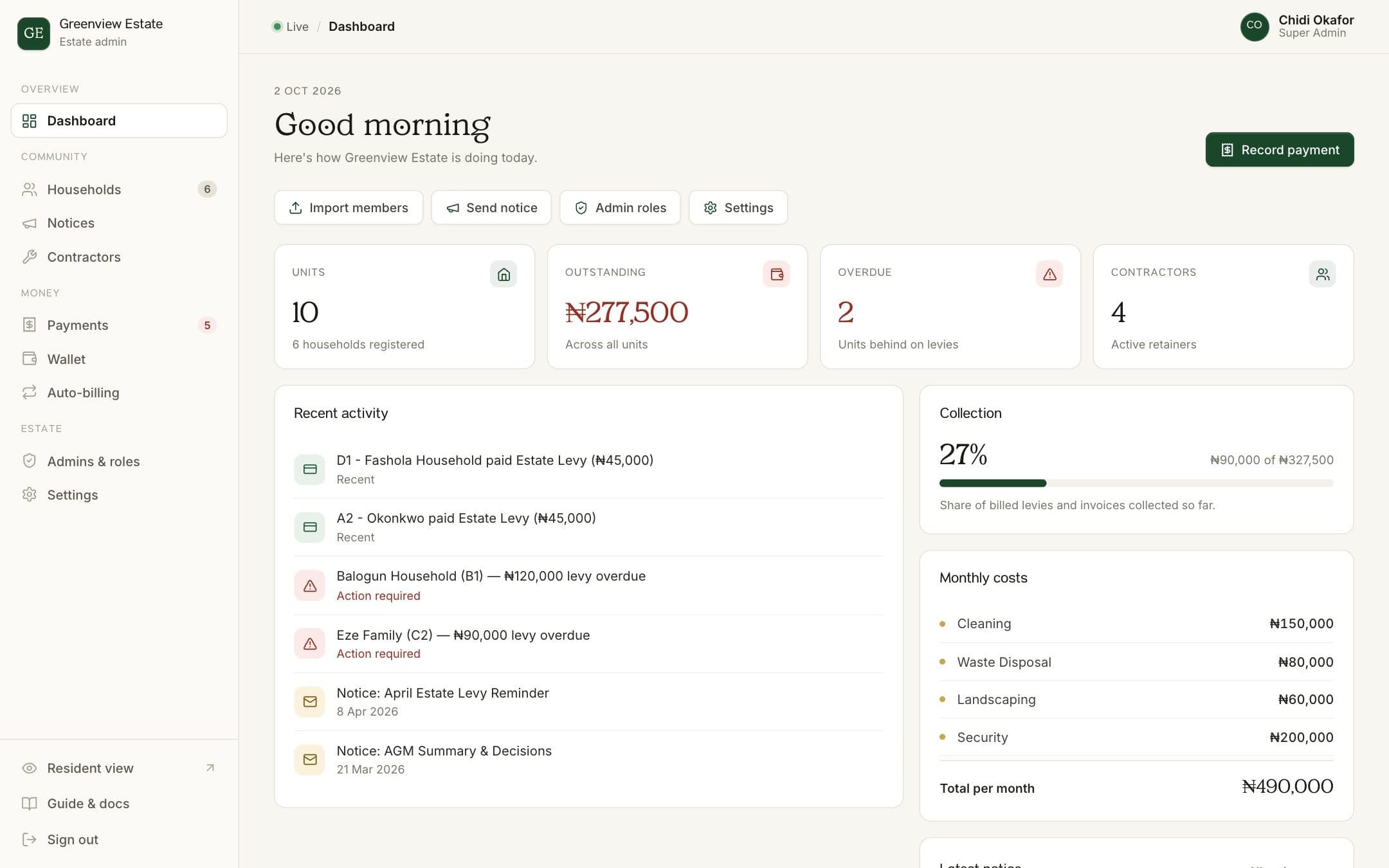
- A dashboard showing who has paid, who owes and what the estate has collected.
- Pay-ahead options so residents can cover months in advance.
Invite your committee
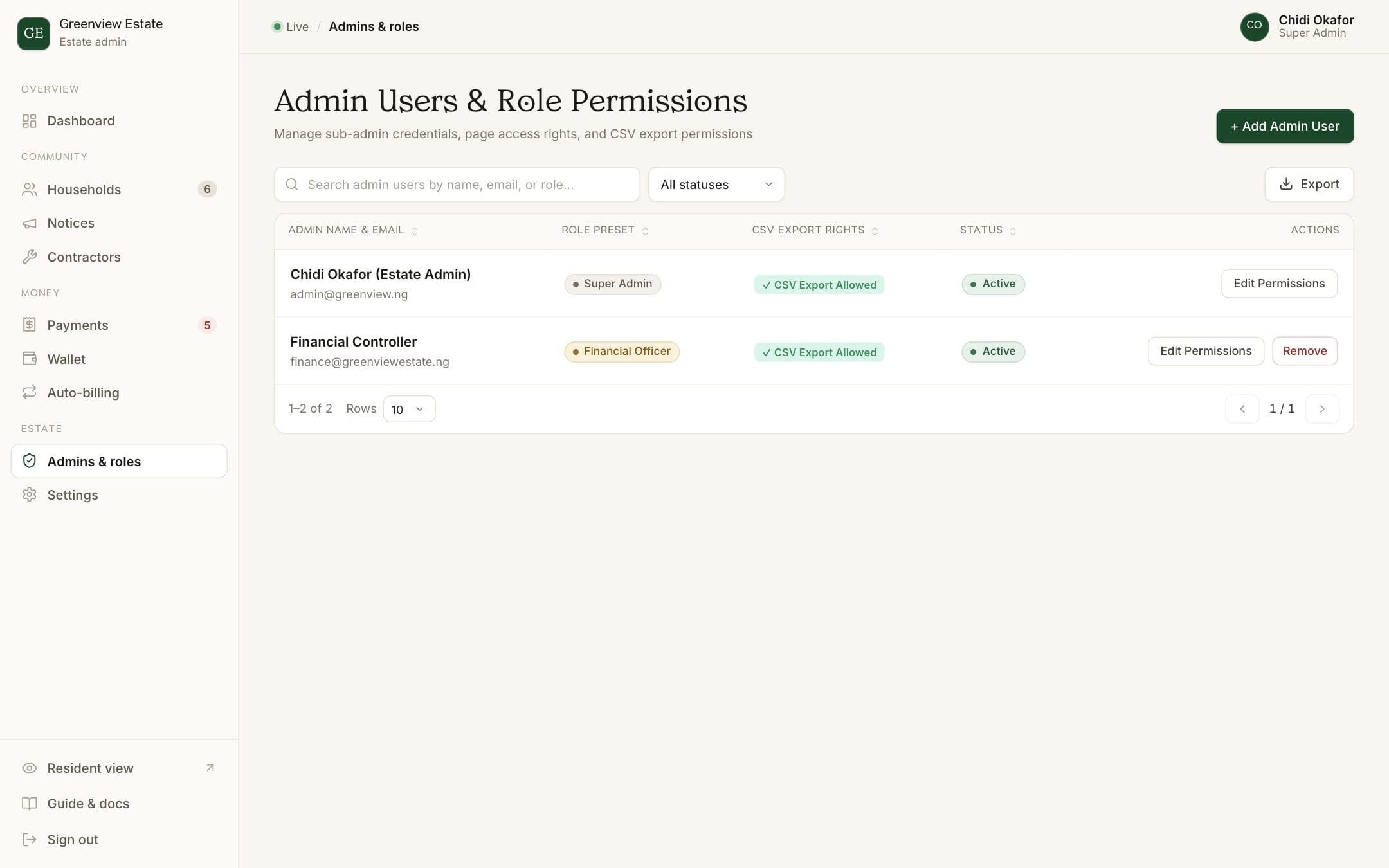
Go to Admins & roles to add your treasurer, estate manager or security lead. Each person gets their own login and sees only what they need. Your treasurer gets payment access, your security officer gets the gate, and nobody shares a password.