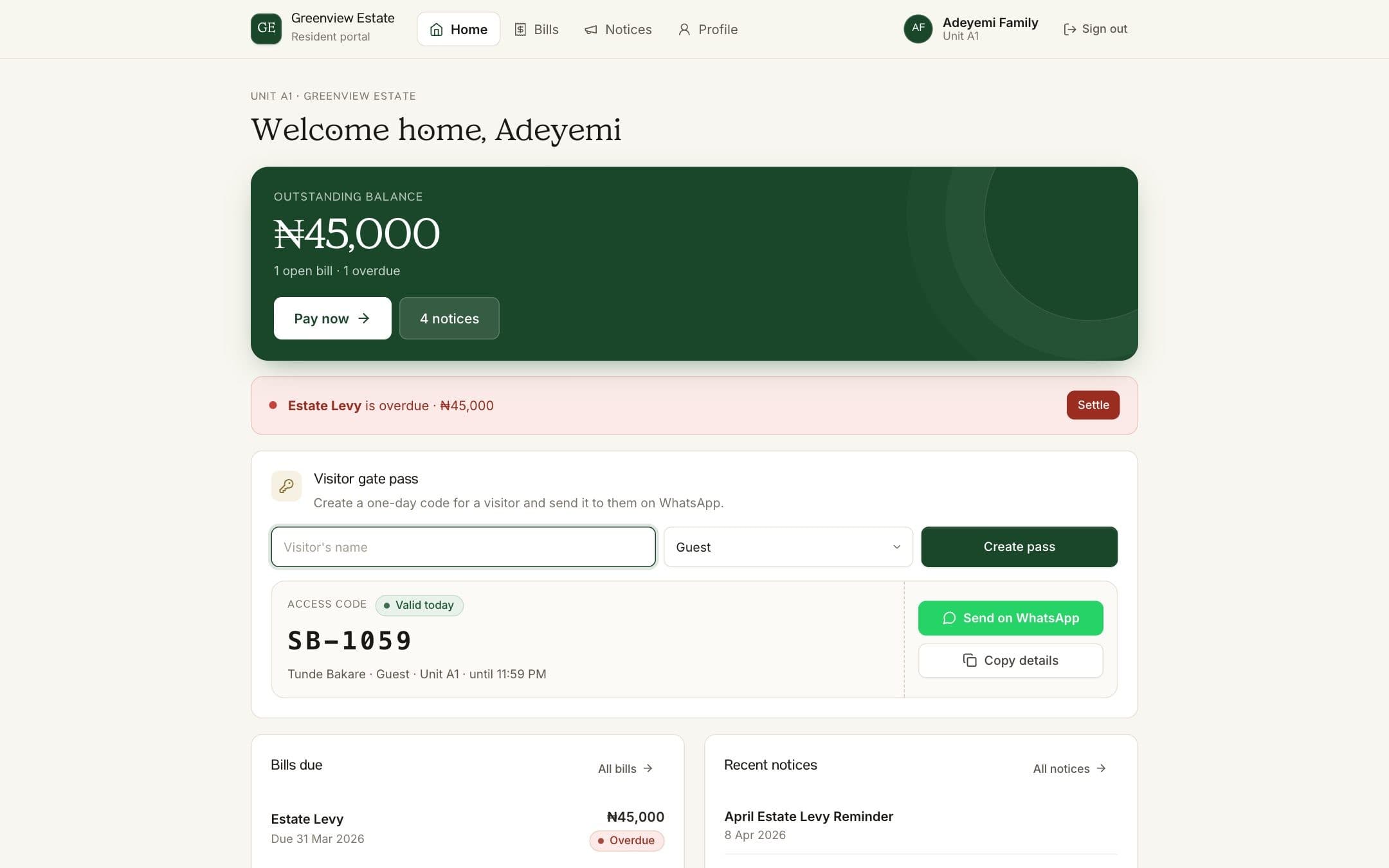
Expecting someone? Create a pass from your resident portal and send it to them before they arrive. Your guard checks the code at the gate, so nobody has to call you to confirm.
Steps
- Sign in to your portal
Open your estate's sign-in link on your phone and sign in with your phone number and 4-digit PIN.
- Find the visitor pass card
On your Home page, look for the Visitor gate pass card.
- Enter your visitor's details
Type your visitor's name and choose who they are: Guest, Delivery / Dispatch, Cab / Uber or Technician / Artisan.
- Create the pass
Click Create pass. You'll see an access code, who it's for and that it's valid for today.
- Share it
Click Send on WhatsApp to send the pass to your visitor, or Copy details to paste it into any other app.
How BreeUp helps
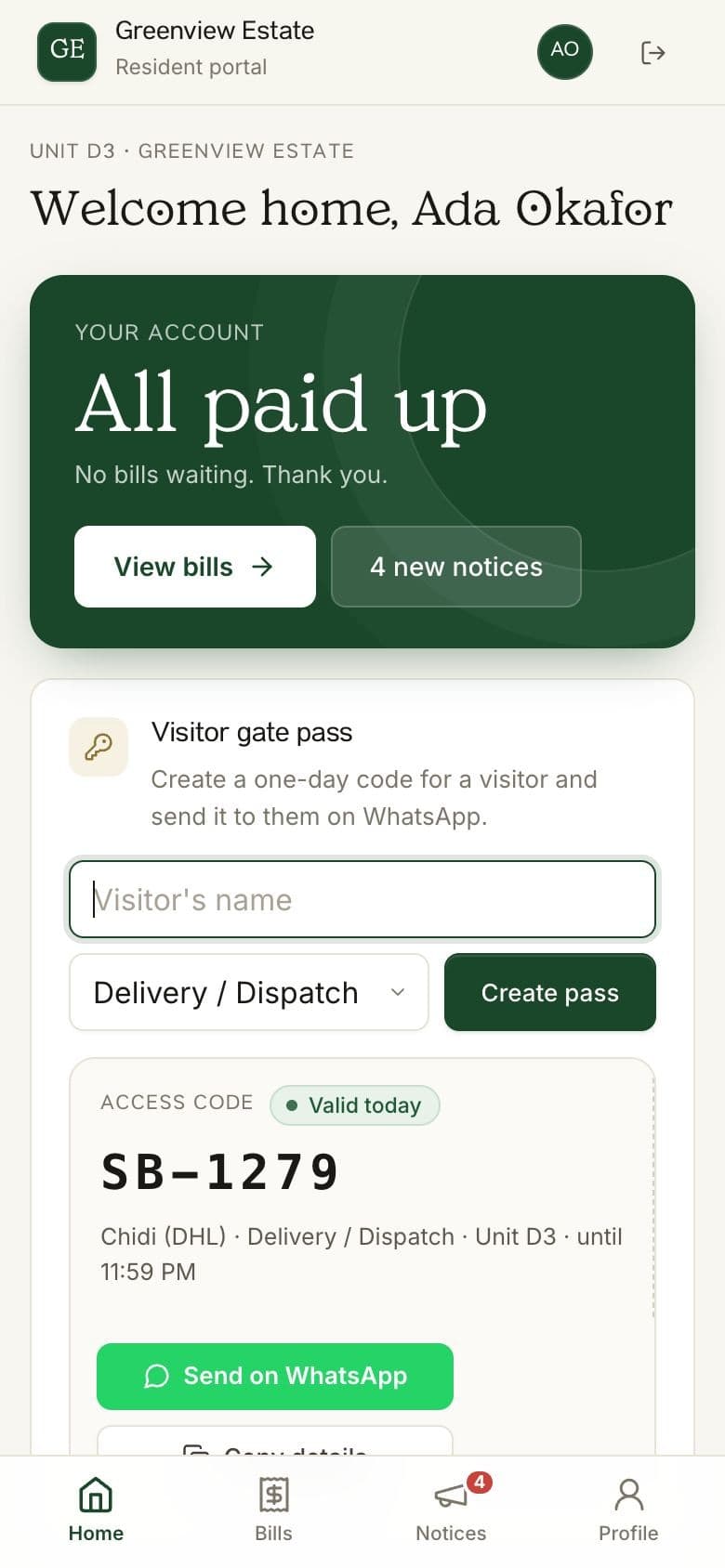
Residents sign in to BreeUp in their phone's browser with their phone number and PIN. No app to download. If the estate has visitor passes switched on, they create a pass and the WhatsApp message with the six-digit code is ready to send.
At the gate, the guard enters the code on the estate's gate link and sees straight away whether the pass is valid.