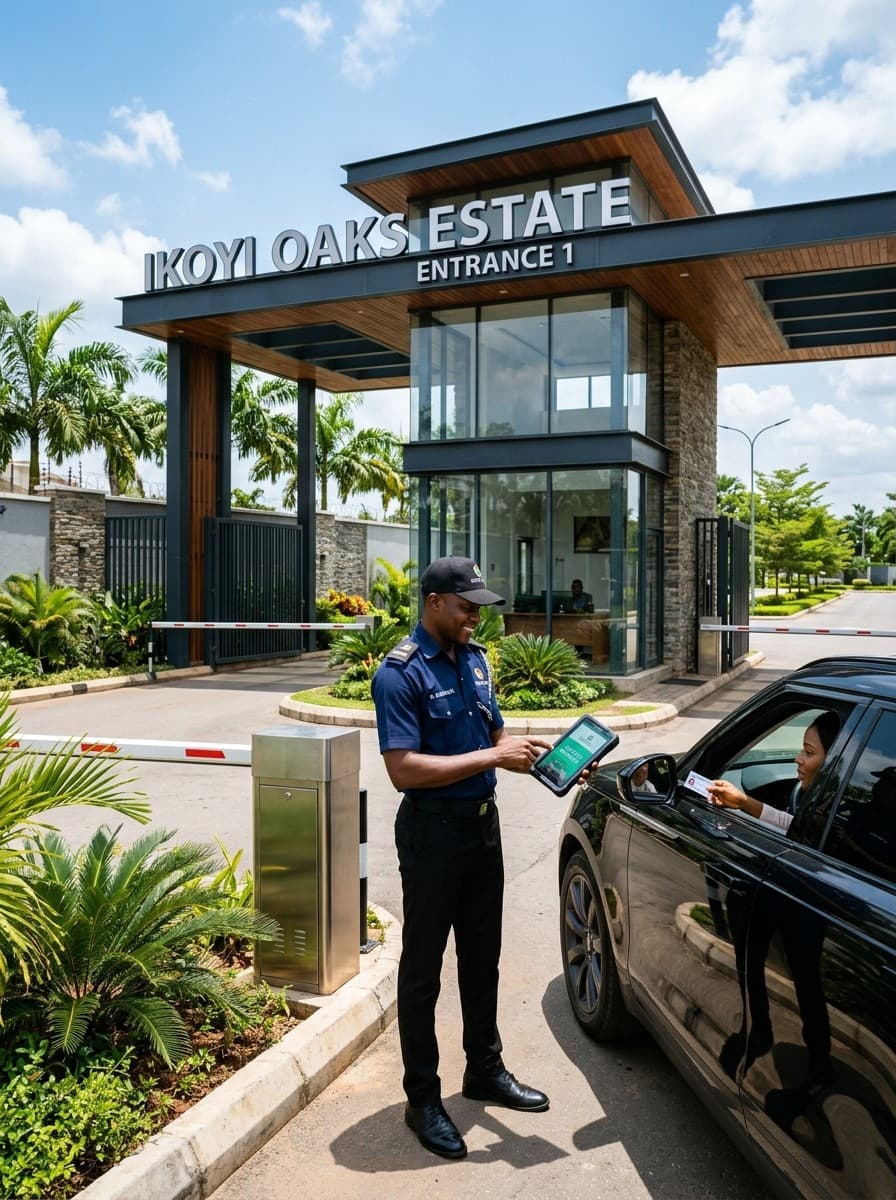
Your job is to know who's coming in, check they're expected and keep a record. BreeUp replaces the handwritten logbook with a gate screen on your phone or tablet, so every entry is timestamped, searchable and can't be lost when the book fills up.
Before your shift
- Sign in to the gate portal using the link and PIN your estate admin gave you.
- Make sure your phone is charged. The gate screen works on mobile data, so it doesn't need the estate's Wi-Fi.
- Check with the outgoing guard for anything to watch for: expected deliveries, flagged visitors or maintenance crews.
When a visitor arrives with a code
- Ask for the code
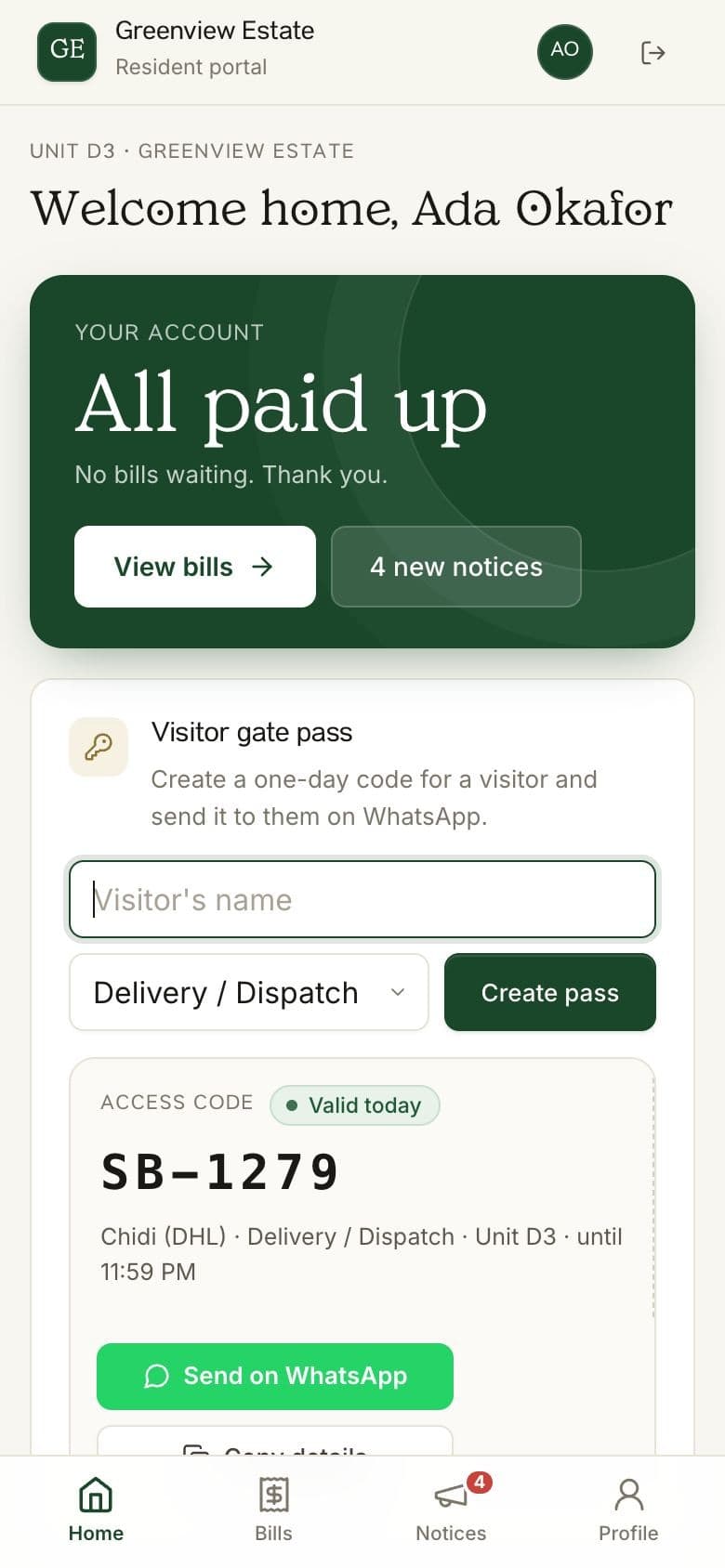
The visitor shows you a short code on their phone, from a WhatsApp message their host sent them.
- Enter it on your gate screen
Type the code into the gate portal. You'll see the visitor's name, who they're visiting, which unit, and whether the pass is still valid.
- Check it matches
The name on the screen should match the person in front of you. If it doesn't, or the pass has expired, don't let them in. Call the resident.
- Log them in
Tap Let them in. BreeUp records the time, the visitor and the home.
When a visitor arrives without a code
- Ask who they're visiting
Get the resident's name and unit number.
- Call the resident
Confirm the visitor is expected. If the resident doesn't answer, the visitor waits.
- Log them manually
Enter the visitor's name, phone number and the unit they're visiting on your gate screen. This keeps the record complete.
When someone leaves
Every visitor you let in is logged with the time, and so is every refused code, so the estate has a clear record of who came in and when.
How BreeUp helps
With BreeUp's visitor passes add-on, guards open the estate's gate link on their own phone and sign in with their own 4-digit PIN. No shared password and no paper register.
Enter the visitor's six-digit code and the screen shows whether the pass is valid and which home it's for. Every entry is logged with the time, and so is every refused code.