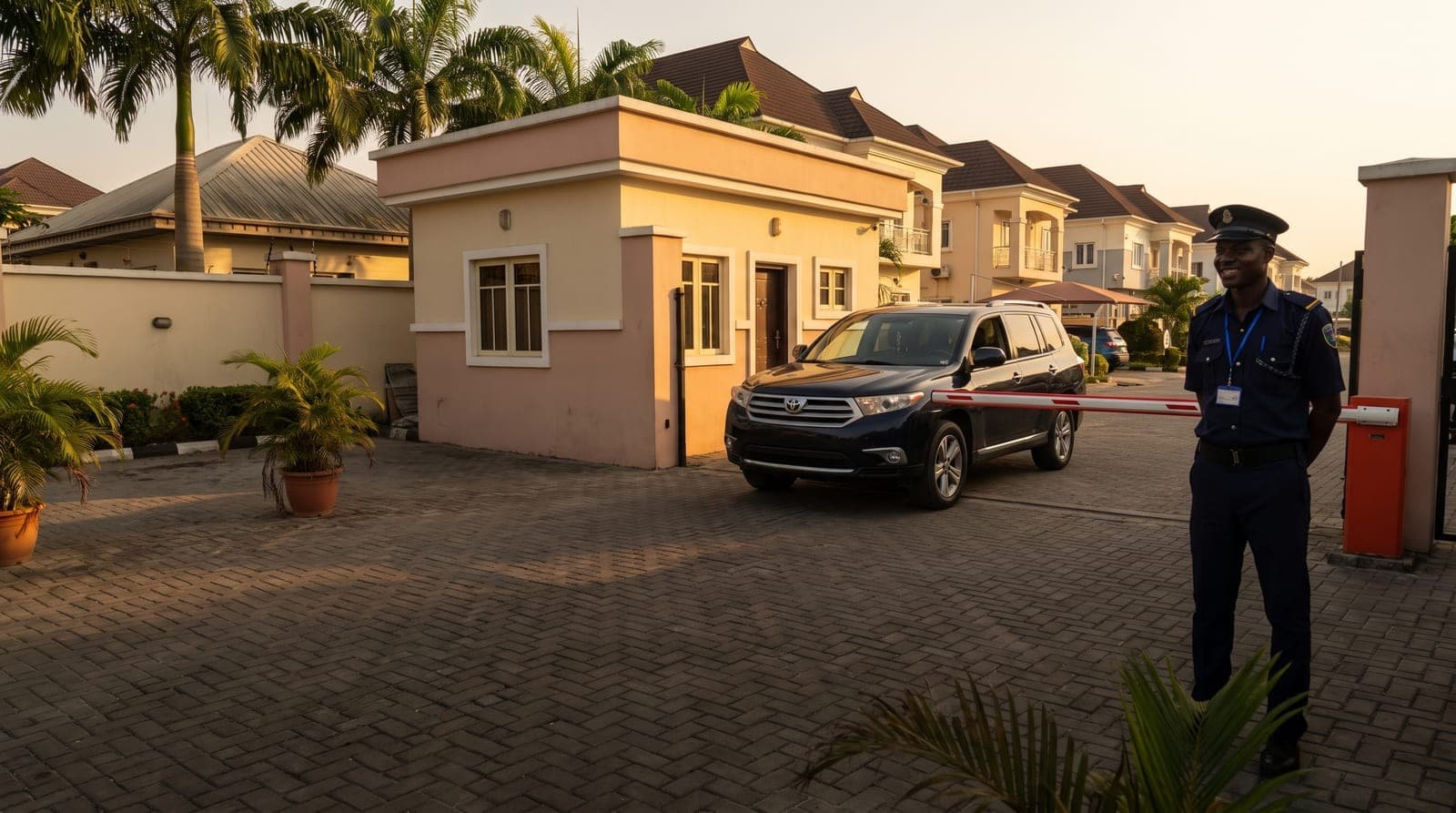
Every estate EXCO eventually has the gate conversation. Someone has seen RFID tags at a friend's estate in Lekki, a vendor has quoted for a barrier and turnstile, and the security committee wants to know whether it's worth the money. The honest answer: hardware helps, but only as much as the list of residents behind it.
The main options
- Guards with a logbook: cheap to start, slow at rush hour, and almost impossible to search after an incident.
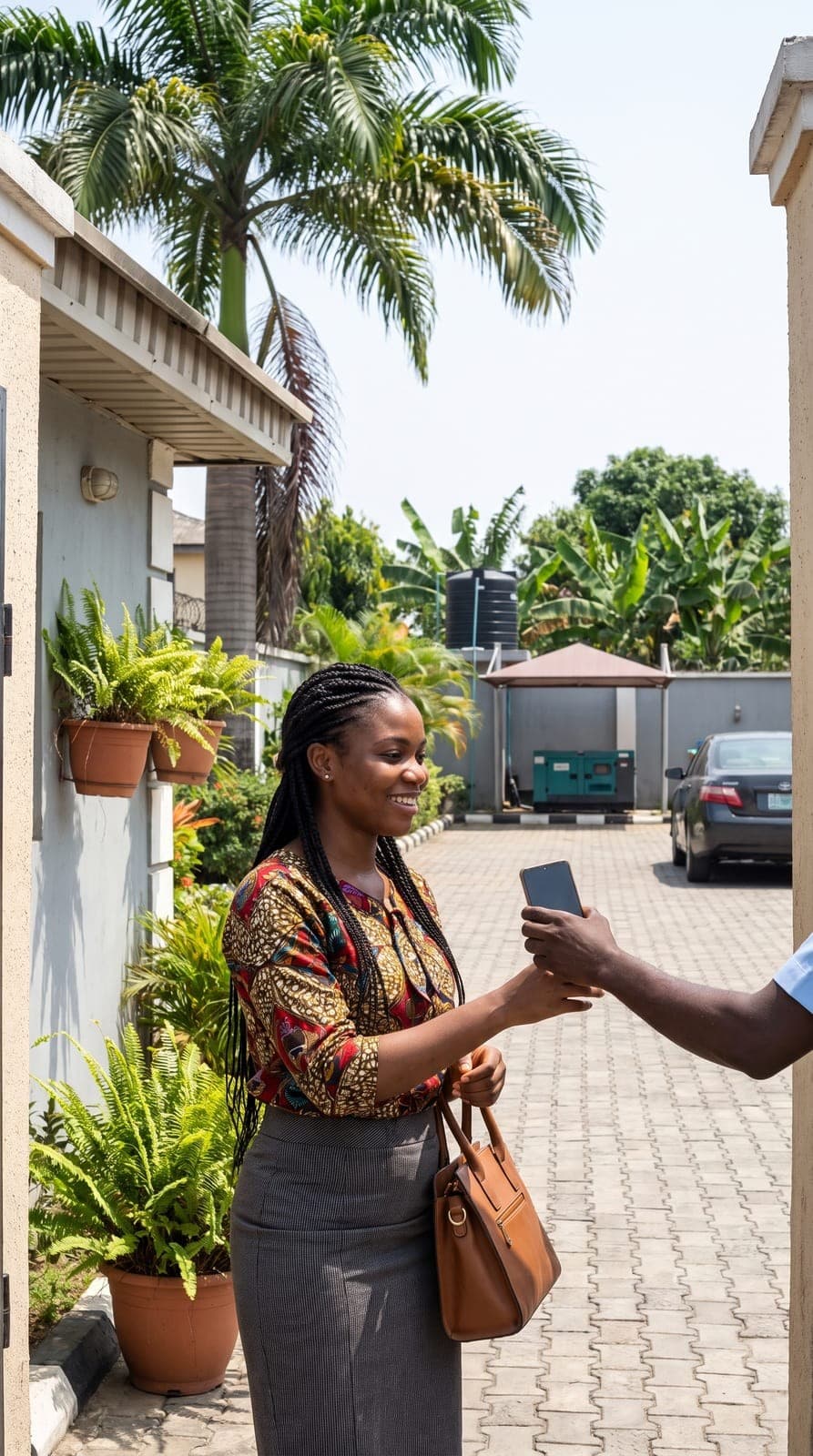
- Visitor passes on WhatsApp: residents send a code, the guard checks it on a phone. No hardware, and it works on phones people already carry.
- Boom barriers with RFID tags or cards: residents' cars pass without stopping. Fast in the morning, but every tag has to be issued, tracked and switched off when someone leaves.
- Number-plate cameras: no tags to lose, but plates must be registered and kept current, and the cameras need good light and regular servicing.
- Face terminals: common on pedestrian gates. Convenient, but face data needs careful handling under the Nigeria Data Protection Act.

What actually goes wrong
The hardware rarely fails first. The list does. A tenant moves out and their tag still opens the gate. A new household waits weeks for a card. The access controller has one list of residents, the estate office has another, and nobody is sure which is right. After a year, a surprising number of working tags belong to people who no longer live in the estate.
Questions to ask before you buy
- Who will add and remove residents, and how will they know when someone moves in or out?
- What happens at the gate when there's no power or no internet?
- How do visitors, drivers, domestic staff and artisans get in?
- Can you search the entry log by unit and date when there's an incident?
- Who maintains the hardware, and what does a service visit cost?
- Where is residents' data stored, and who can see it?
Start with the records
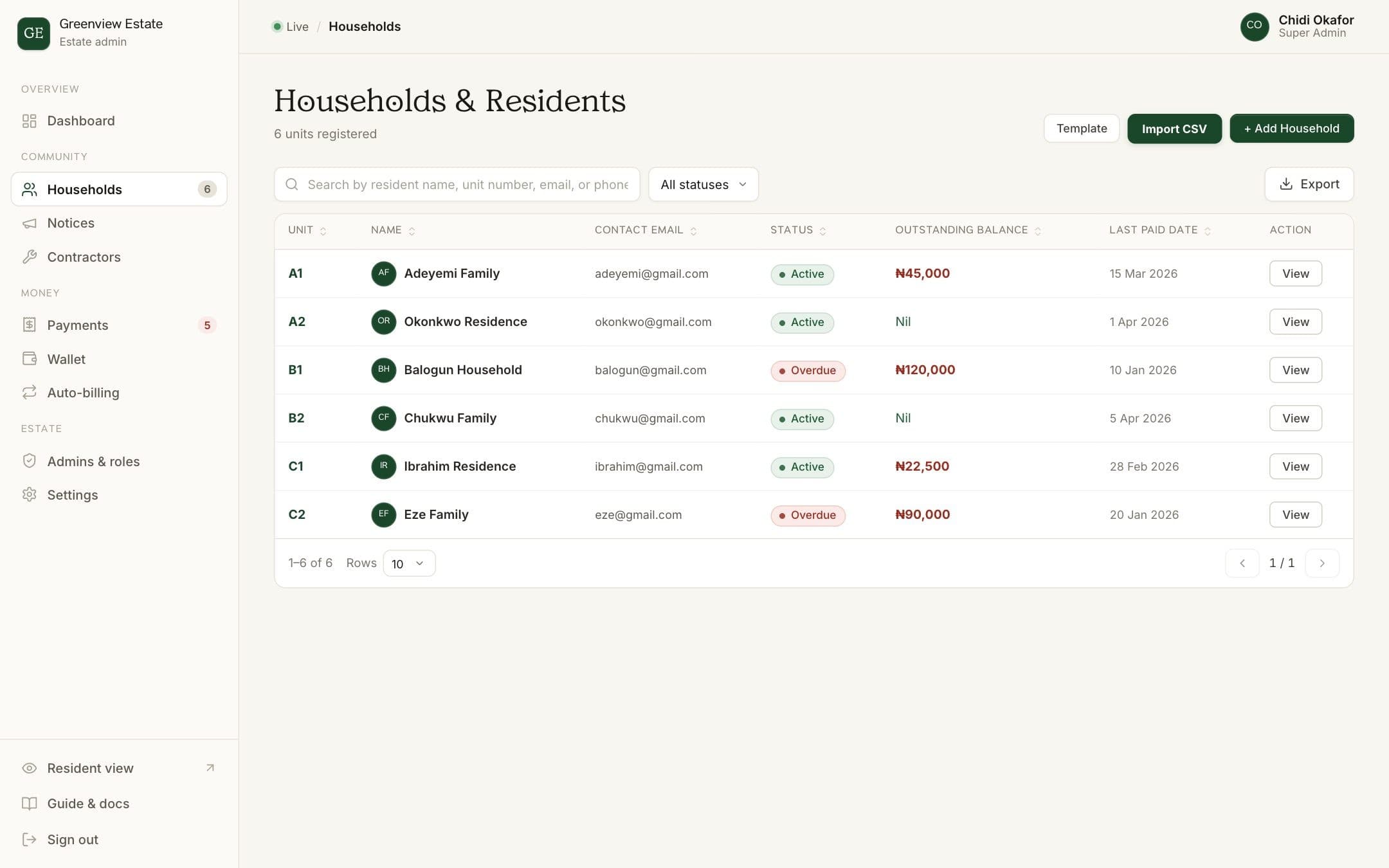
Whatever you choose, the estate needs one up-to-date register of who lives where, and a way for residents to tell the gate who's coming. Many estates find that a proper register and visitor passes on WhatsApp fix most gate problems before any hardware is bought. Hardware then speeds up residents' cars, instead of covering for a messy list.
How BreeUp helps
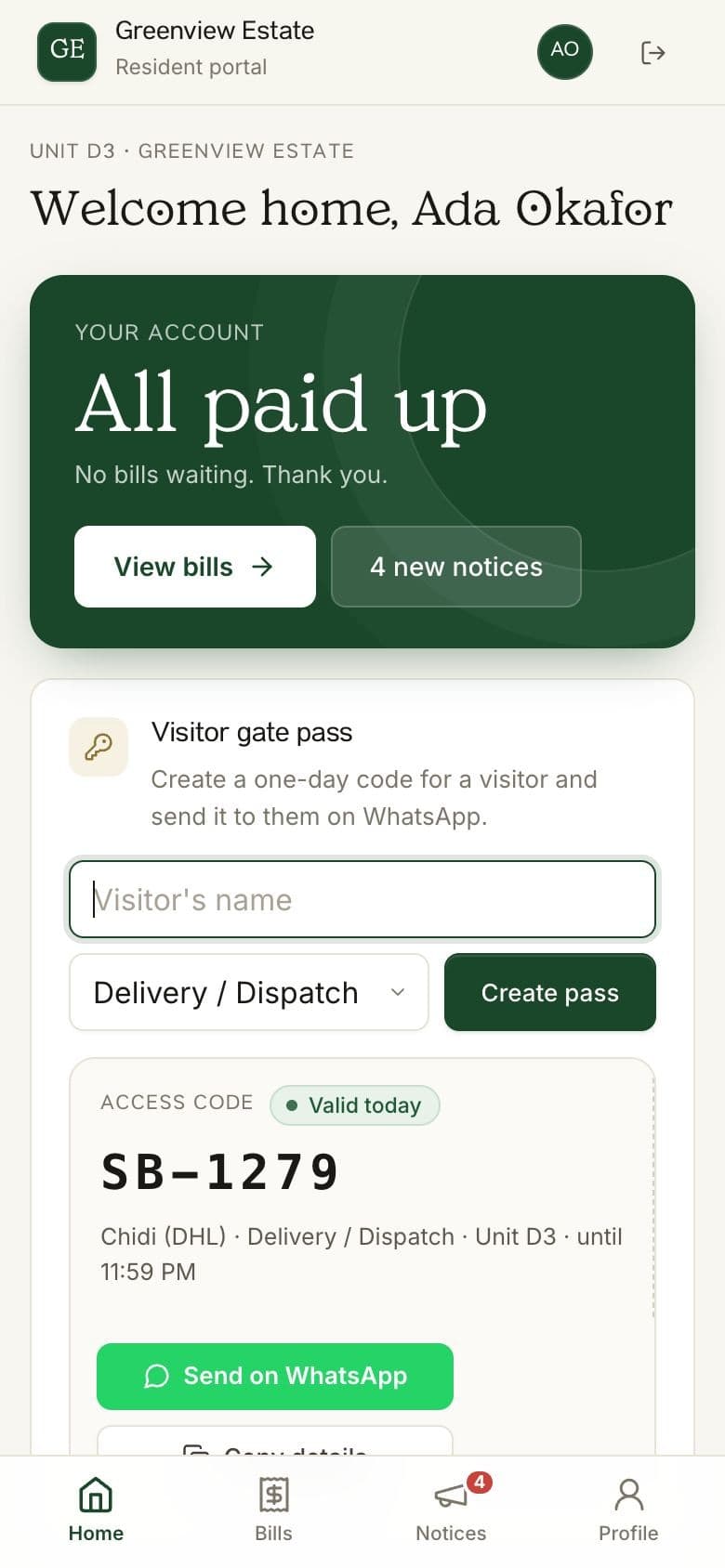
BreeUp's visitor passes add-on needs no special hardware. Residents send visitors a six-digit code on WhatsApp, and guards check it on the estate's gate link using their own phone, each signed in with their own PIN, so every entry shows who let the visitor in.
Already have barriers or card readers? Talk to us about connecting them.
See how visitor passes work, or talk to us.