Search for estate management software in Nigeria and you'll find foreign property tools built for landlords with ten flats, local apps that do one thing well, and a few that try to do everything. The right choice depends less on the feature list than on whether the software fits how Nigerian estates actually work: bank transfers, WhatsApp, elected committees, unreliable power and residents who won't download another app.
1. It fits how residents actually pay
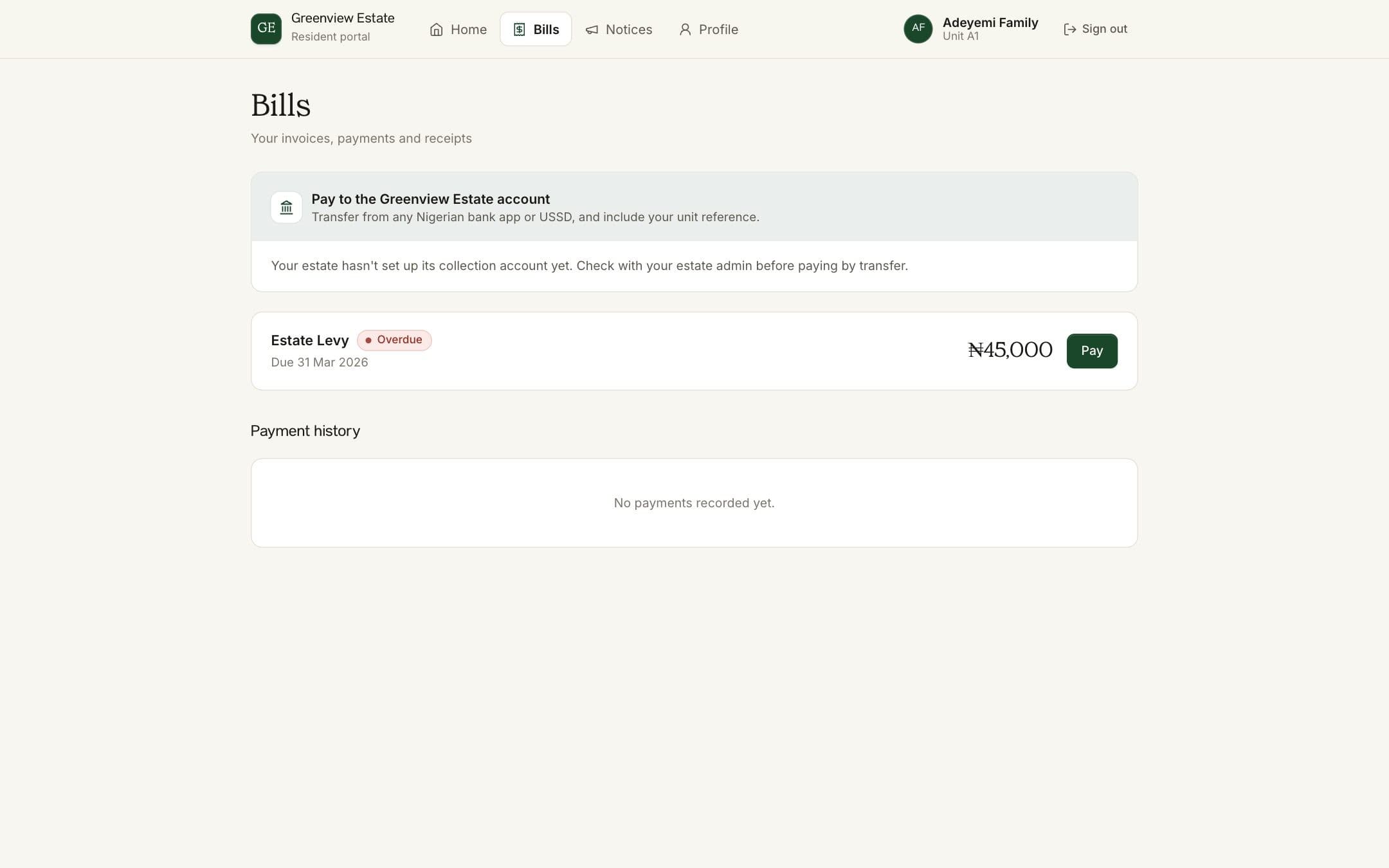
Most service charge in Nigeria arrives by bank transfer, often from a bank app or USSD, with whatever narration the resident remembered to type. Good software accepts that. Look for payment references per household so transfers are matched automatically, online payment by transfer or card for residents who want it, and a simple way to record cash or POS payments by hand.
2. The estate keeps control of its money
Ask where the money goes. Residents' payments should land in the estate's own account, and the software should keep the records. Spending should need approval from more than one executive, so no single person can move funds alone. If a vendor holds your service charge in its own account for weeks, ask why.
3. Residents don't need to install anything
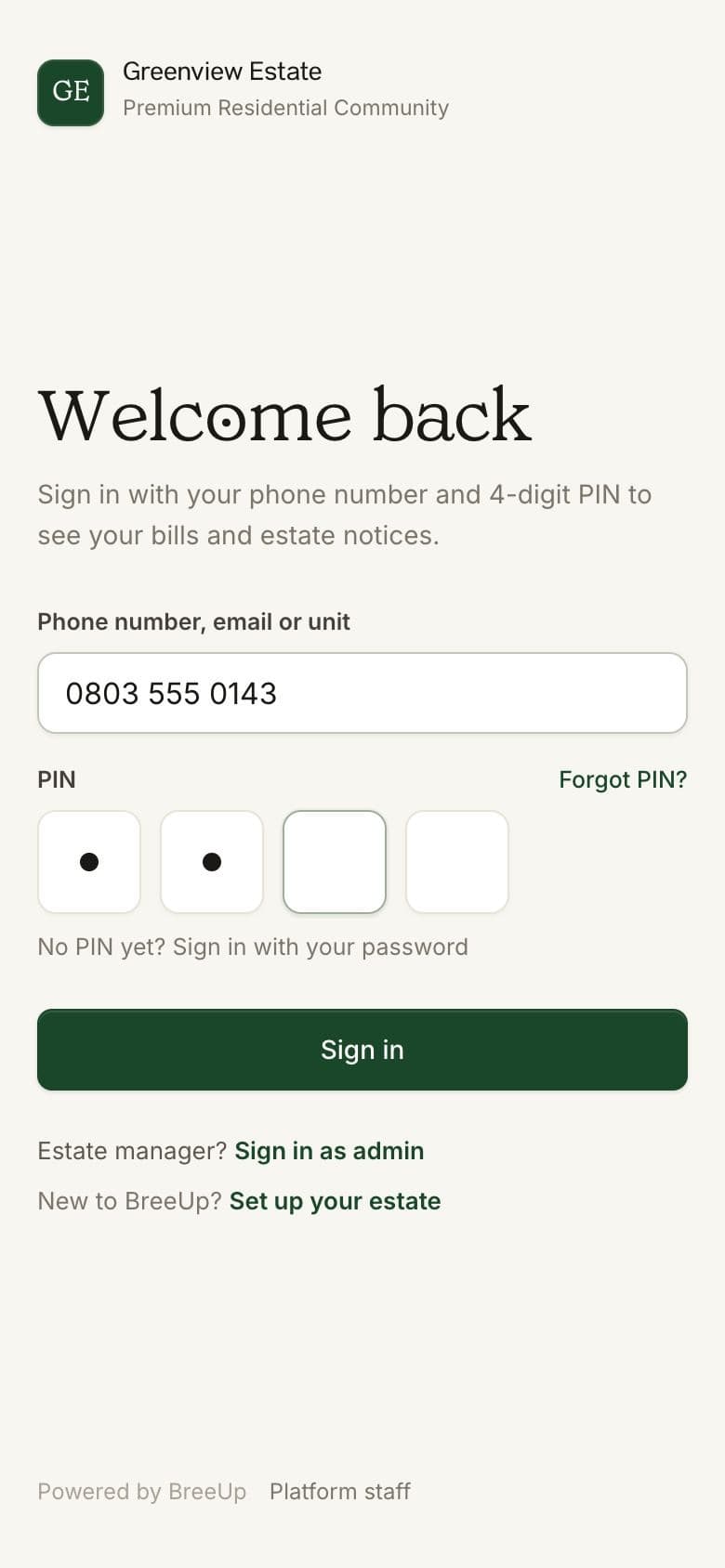
Every app you ask residents to download loses a share of them, and older residents most of all. A portal that opens in any phone browser, with a simple sign-in such as a phone number and PIN, gets far more households using it. Messages should go out on WhatsApp, because that's where residents read them.
4. The gate works on the guards' phones
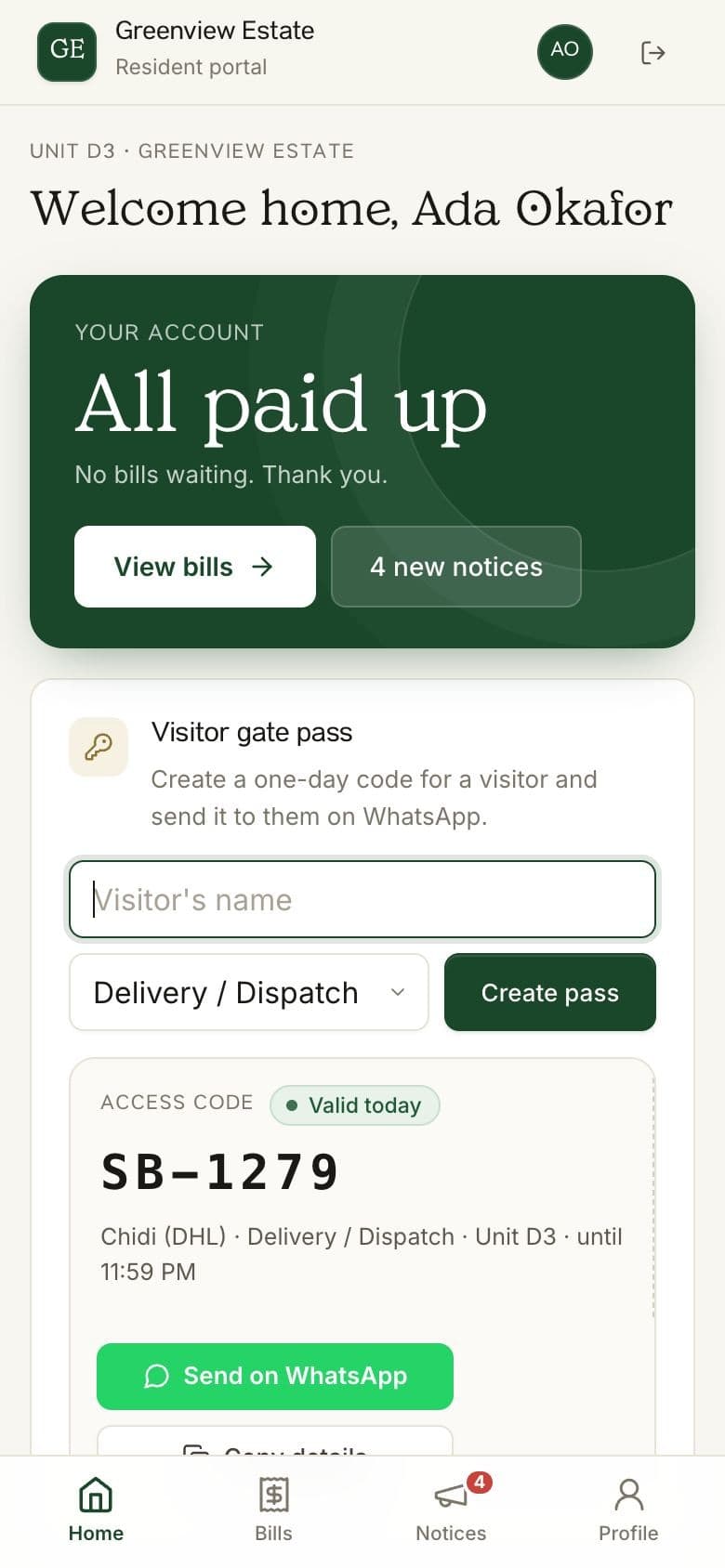
Turnstiles, RFID cards and biometric readers are expensive, need power and break. For most estates a visitor code that the resident sends on WhatsApp and the guard checks on a phone does the job, and leaves a timestamped log you can search after an incident.
5. It produces the AGM report
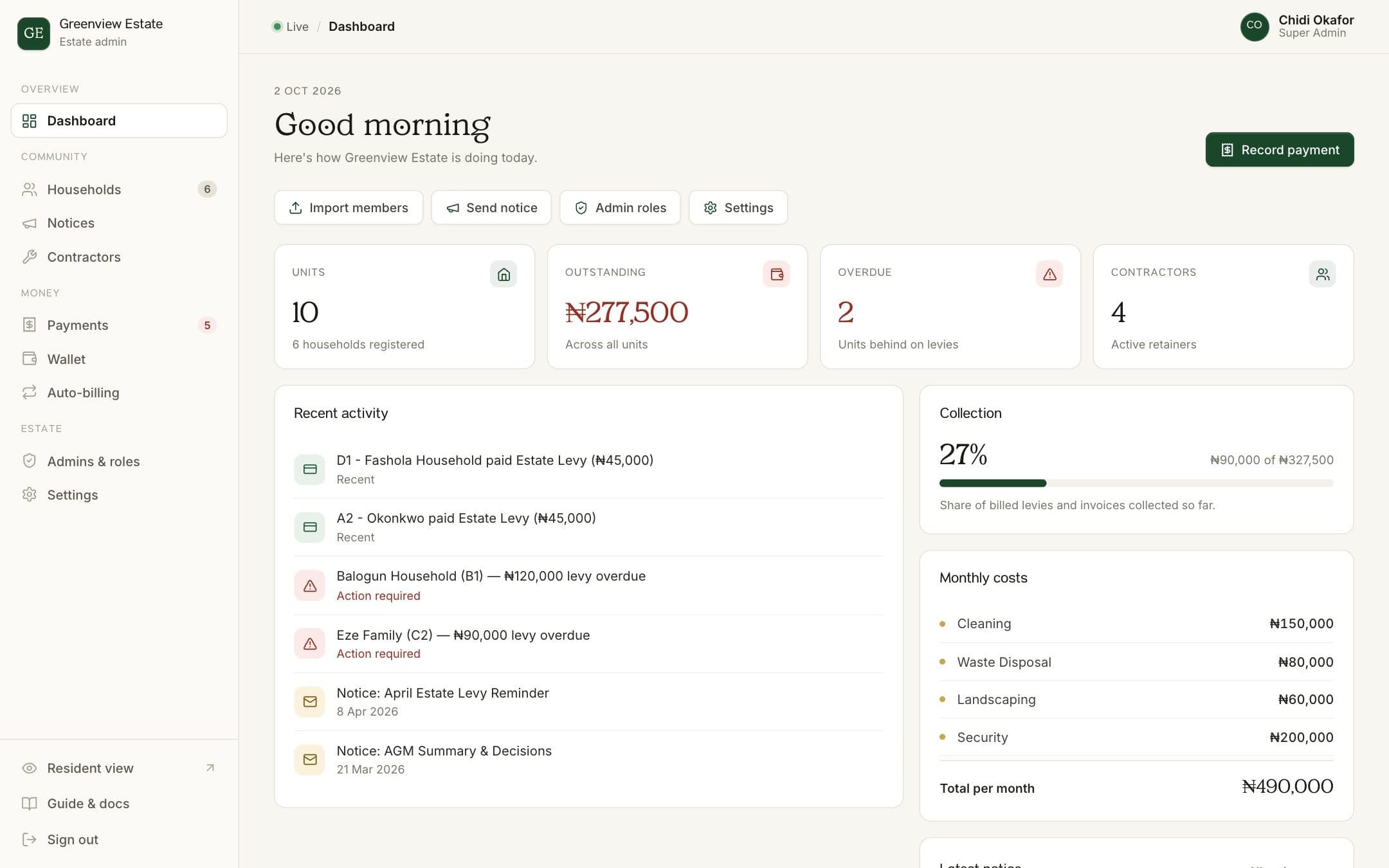
At the end of the year the committee has to show what came in, what went out and who still owes. The software should give you that in one export: dues collected, spending by category, contractor payments and arrears, without a week of spreadsheet work.
6. Different people see different things
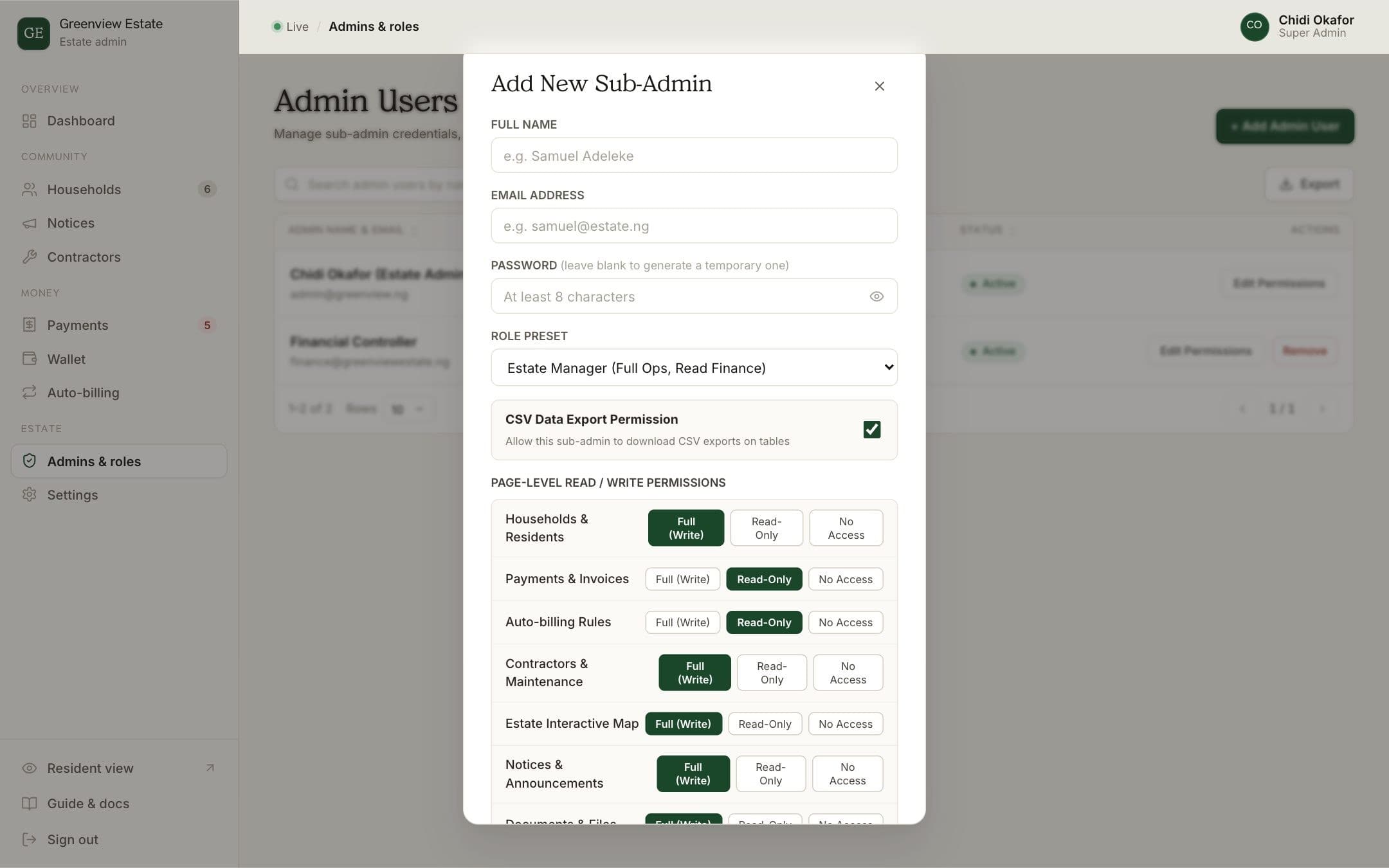
Your security lead doesn't need to see payments, and your treasurer doesn't need to manage the gate. Look for roles and permissions, so each admin has their own login, sees only what they need and can be removed cleanly when the committee changes.
7. Getting started is easy, and so is leaving
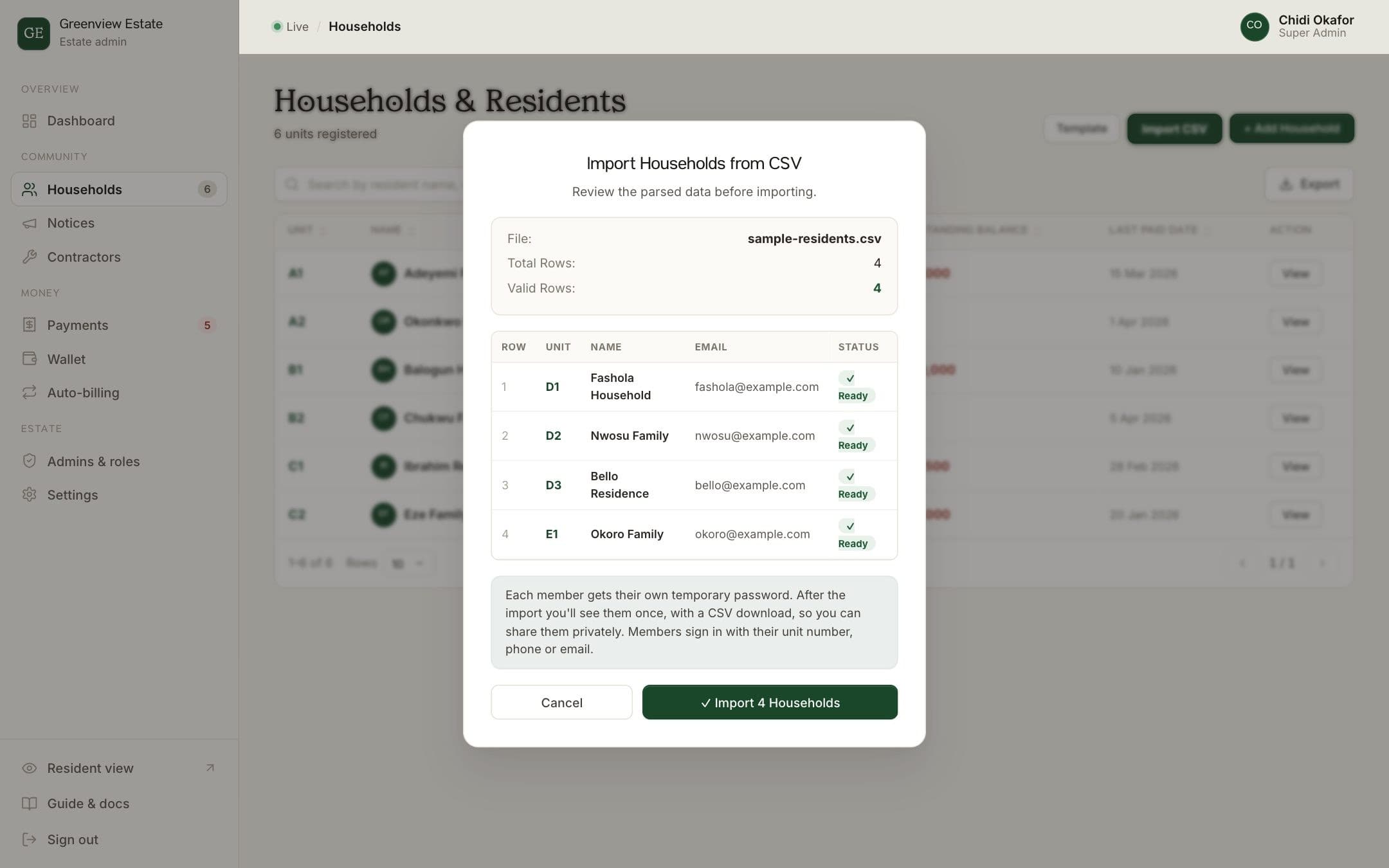
- Can you import your existing resident list from a spreadsheet, or will someone retype 300 households?
- Will someone help you set up, or are you on your own after you pay?
- Can you export your households, payments and records at any time? If the answer is vague, your data is being held hostage.
8. Resident data is protected
Estate software holds names, phone numbers, addresses and payment history. Under the Nigeria Data Protection Act 2023, your estate is responsible for how that's handled. Ask how data is stored, who at the vendor can see it, and whether admins' access is limited and logged.
9. The pricing is clear
- Is there a monthly subscription, a fee per household, a fee per payment, or a mix?
- When a resident pays online, who pays the fee, and does the estate still receive the full bill?
- Are there setup, training or SMS charges that only show up later?
Questions to ask in a demo
- Show me a resident paying by transfer
Watch how the payment is matched to a household, and what happens when the narration is wrong.
- Show me what a 70-year-old resident sees
Sign in on a phone. Count the steps.
- Show me the AGM report
Ask for an export from a demo estate, not a slide.
- Show me a payout being approved
Check that two people are needed, and that the record shows who approved it.
- Show me how we'd leave
Ask to see the data export. A vendor confident in its product won't mind.
Where BreeUp fits
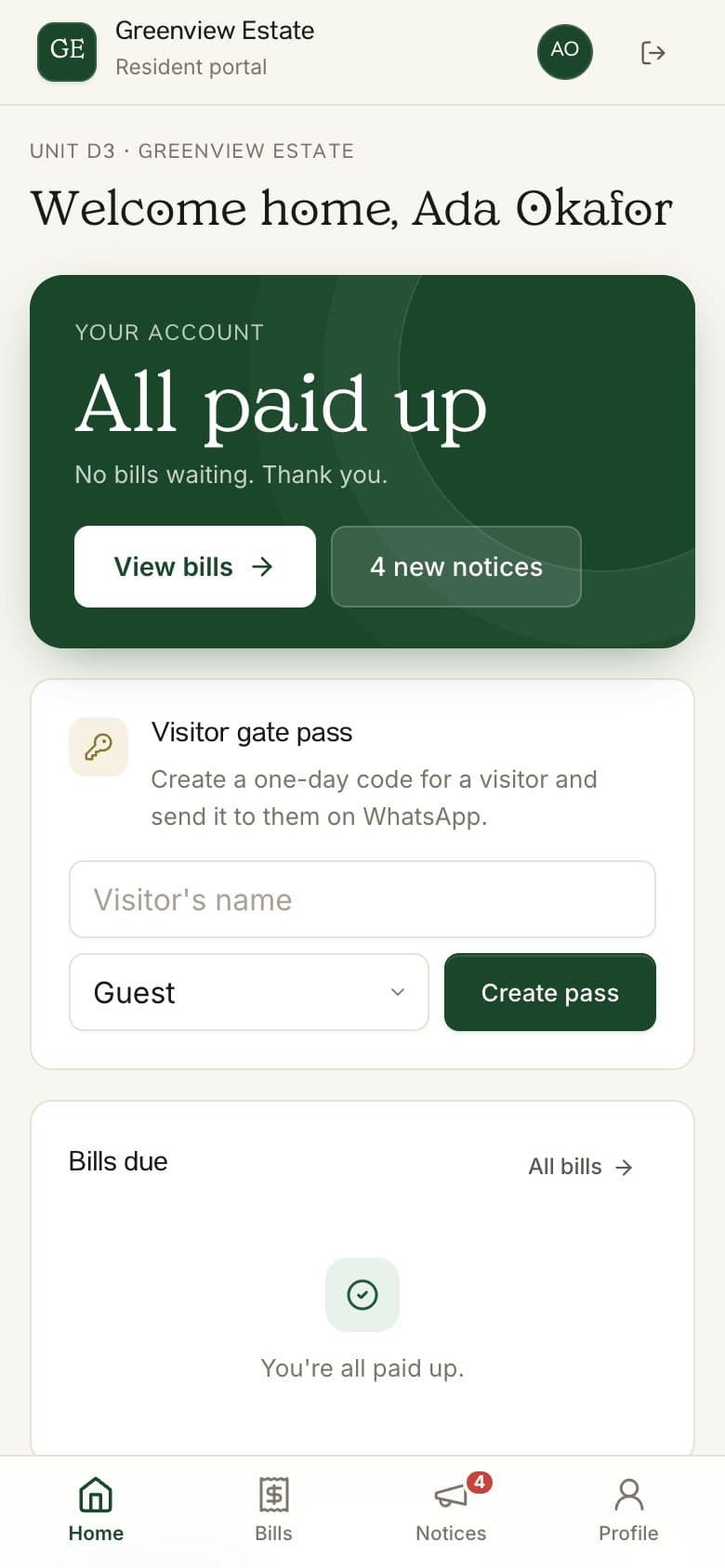
We built BreeUp around this list, for gated estates, CDAs, mini-estates and the facility managers who run several of them. Residents use a browser portal with a phone number and PIN. Service charge is billed automatically and payments are matched by unit reference. Visitor passes and reminders go out on WhatsApp, payouts above an amount you choose can need a second approver, and the AGM report is one export. Your data is yours to export at any time.
How BreeUp helps
BreeUp is built for Nigerian estates, compounds and residents' associations. Every estate gets automatic bills and receipts, copy-ready WhatsApp reminders, houses, households and landlords, a resident portal, a spending log and AGM reports.
Visitor passes and a gate log, automatic WhatsApp, SMS and email messages, and the estate's own WhatsApp number are add-ons. Each estate has its own account and pays out to its own bank; BreeUp never holds estate funds.
See pricing or set up your estate.